
Common Name-Input Mistakes: Spacing, Symbols, and Capitalization Tips
Personalize this video name input mistakes spacing capitalization with any name (max 10 chars). Render Full HD 1080x1920 vertical video in 60 seconds for
Common Name-Input Mistakes: Spacing, Symbols, and Capitalization Tips
- Personalize this video name input mistakes spacing capitalization with any name (max 10 chars). Render Full HD 1080x1920 vertical video in 60 seconds for With MakeMyMsg, you select a scene template and enter a single recipient name or short phrase (up to 10 characters) to render a crisp 1080x1920 vertical MP4 video in roughly 60 seconds for WhatsApp, Instagram Reels, or TikTok.
Common Name-Input Mistakes: Spacing, Symbols, and Capitalization Tips
- Because MakeMyMsg renders your personalized 1080x1920 vertical HD video in about 60 seconds, it is tempting to type a name quickly and hit render without looking twice. Most re-renders happen for avoidable formatting reasons: an accidental space, a name chopped off at character 10, or too many symbols competing with the scene lighting. A few simple formatting habits make every template look sharper on the first export.
Forgetting That Spaces Count Inside the 10-Character Limit
Every letter, digit, space, and symbol counts toward MakeMyMsg's 10-character single-input limit. A phrase like `Alex & Sam` uses all 10 characters (`A-l-e-x-space-&-space-S-a-m`). If you type an accidental leading or trailing space, it wastes a character slot and can slightly shift visual centering. When two names exceed 10 characters together, switch cleanly to nicknames (`Sam & Jo` — 8 chars) or initials (`A & M 2026` — 10 chars) instead of mashing words together without spaces (`AlexandSam`).
Overusing Symbols, Punctuation, and Unnecessary Emojis
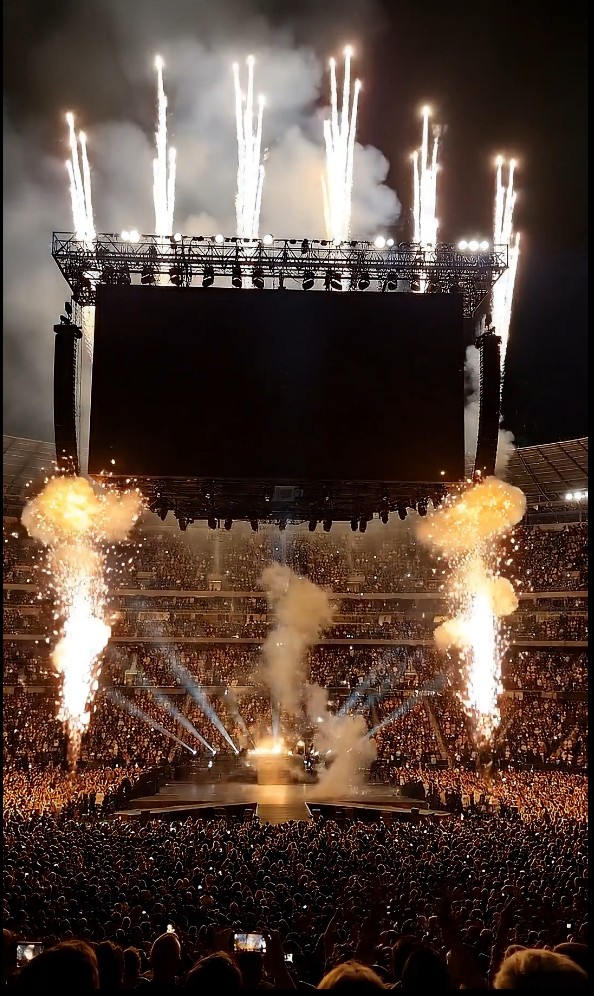
- Adding three exclamation marks (`Alex!!!`) or decorative slashes (`//Rohan//`) rarely improves a cinematic reveal. Inside high-contrast scenes like [Where Are You](/templates/where_are_you), [Stadium Big Screen](/templates/stadium_big_screen), or [Midnight Supercar](/templates/midnight_supercar), bright spotlights and reflections already provide drama. Plain letters, numbers, and a single `&` or `!` (`Happy 30!`, `Mia & Leo`) keep edges razor-sharp and readable on mobile screens.
Capitalization: ALL CAPS vs. Title Case on Moving Backgrounds
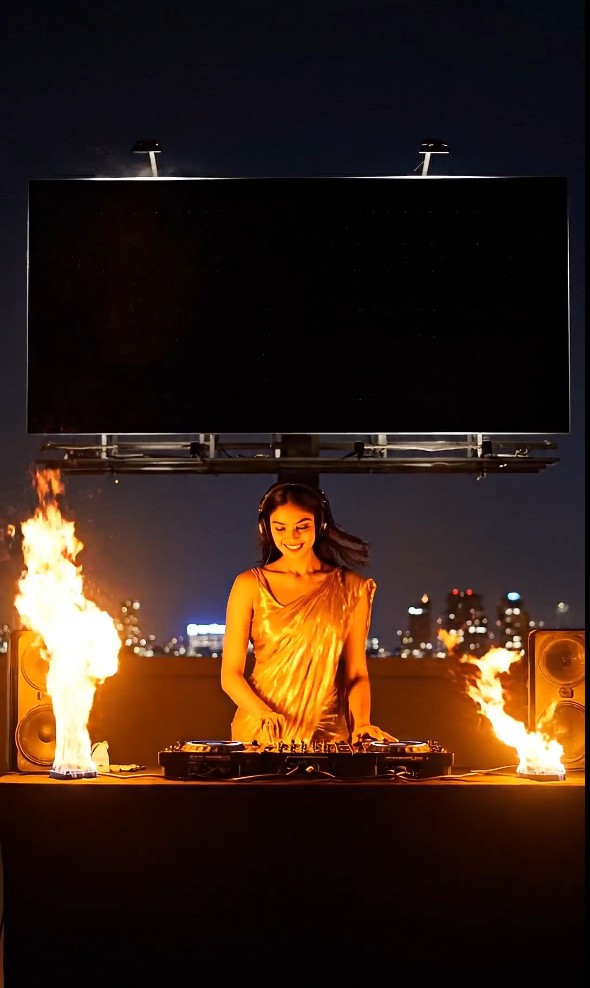
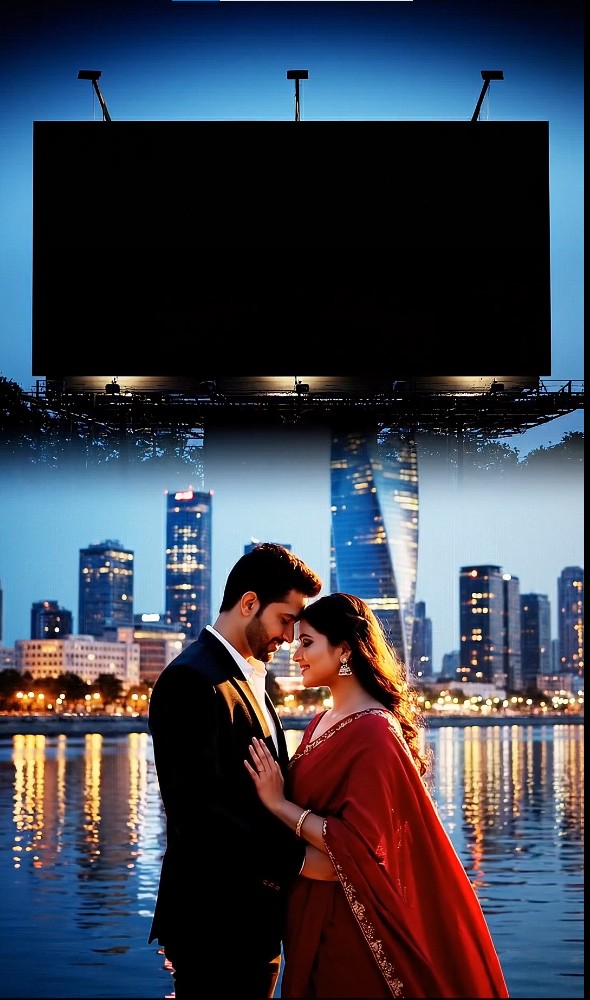
- Capitalization changes how a viewer feels the message. Title Case (`Sofia`, `Best Mom`, `Miss You`) feels warm, personal, and effortless to scan — ideal for [Emotional Stories](/templates/emotional-stories), [Together](/templates/together), and [Special Day Videos](/templates/special-day-videos). Short ALL CAPS handles (`DJ KAI`, `R1 CREW`, `VIP ALEX`) feel punchier in fast-moving [Rider Videos](/templates/rider-videos) or [Signature](/templates/signature) intros, as long as you keep them to 6–8 characters so wide uppercase letters stay comfortably centered.
Quick 10-Second Pre-Render Checklist
- Before starting your ~60-second render, run through four quick checks in the live preview: verify the recipient's exact spelling (especially double letters like `Hannah` vs `Hana`), trim leading or trailing spaces, confirm the text is 10 characters or fewer with balanced spacing, and check whether your scene matches the tone of the words. Remember that MakeMyMsg keeps lighting, motion, and typography safe areas fixed rather than acting as a manual timeline editor — getting the 10-character input right is the single highest-leverage step. Review the full flow on [How It Works](/how-it-works) or explore [Premium](/templates/premium) and [Signature](/templates/signature) templates.
Handling Numbers, Milestones, and Two-Word Phrases Cleanly
Numbers and short words pair smoothly inside 10 characters when you keep spacing intentional. Compare `Happy 30!` (9 characters, clean single space) with `Happy30th!` (10 characters, cramped with no space). The version with a real space reads much faster on a moving vertical screen. Similarly, `Grad 2026` (9 chars) or `5 Years!` (8 chars) looks balanced and polished, whereas `2026Grad!!` feels rushed.
For couple names or duos, always put one space on each side of the ampersand when character count allows (`Sam & Jo` — 8 chars, `Mia & Leo` — 9 chars). If two names exceed 10 characters with spaces, switch cleanly to initials (`A & M 2026` — 10 chars, `R & K` — 5 chars) rather than dropping spaces completely. Readers recognize spaced initials immediately, while unspaced strings make viewers squint.
Why Live Preview Verification Saves Time
Because MakeMyMsg renders each 9:16 vertical 1080x1920 Full HD MP4 in roughly 60 seconds, spending ten extra seconds inspecting the live preview prevents almost every avoidable mistake: transposed letters, accidental lowercase on a proper name, extra trailing spaces, or symbols that look out of place against bright spotlights. Once the preview looks clean, your downloaded MP4 is ready for WhatsApp, Instagram Reels, or YouTube Shorts with zero extra editing.
Before-and-After Formatting Examples That Make an Immediate Difference
Seeing side-by-side pairs makes the difference obvious. Instead of `happybday!` (10 chars, hard to scan at a glance), write `Happy 30!` (9 chars) or simply the person's name (`Daniel` — 6 chars) and put your full birthday wish in the chat message below. Instead of `ALEX&MAYA` (9 chars, crowded without spaces), write `A & M 2026` (10 chars) or `Sam & Jo` (8 chars) when shorter nicknames fit. Instead of `***R1***` (8 chars cluttered with asterisks), write `R1 Crew` (7 chars) so the bold typography carries the scene cleanly.
- Also watch out for copying text from social media bios that include fancy Unicode fonts or invisible zero-width characters. Stick to standard keyboard letters, digits, and simple punctuation (`&`, `!`, `-`) so every one of MakeMyMsg's 24 active templates across all 8 collections renders crisp, predictable lettering on mobile screens. Taking ten seconds to verify spelling, spacing, and capitalization in the live preview guarantees your 60-second 1080x1920 HD MP4 looks intentional and sharp the first time you download and share it on WhatsApp, Instagram Reels, or YouTube Shorts.
Explore Personalized Video Templates
- Ready to turn this guide into a finished clip? Start with How It Works or Signature Collection or Premium Collection to customize a scene with up to 10 characters in under 60 seconds.