How to Share a MakeMyMsg Vertical Video on YouTube Shorts
Personalize this share vertical video on youtube shorts with any name (max 10 chars). Render Full HD 1080x1920 vertical video in 60 seconds for WhatsApp &
How to Share a MakeMyMsg Vertical Video on YouTube Shorts
- Personalize this share vertical video on youtube shorts with any name (max 10 chars). Render Full HD 1080x1920 vertical video in 60 seconds for WhatsApp & With MakeMyMsg, you select a scene template and enter a single recipient name or short phrase (up to 10 characters) to render a crisp 1080x1920 vertical MP4 video in roughly 60 seconds for WhatsApp, Instagram Reels, or TikTok.
How to Share a MakeMyMsg Vertical Video on YouTube Shorts
YouTube Shorts is built for fast, full-screen vertical clips that hold a viewer's eye in the first two seconds. Whether you are uploading a subscriber milestone shoutout, a music or DJ name reveal, or a birthday clip for a family member's private link, getting the vertical format and on-screen readability right makes the difference between a polished Short and a skipped clip.
Why MakeMyMsg's 9:16 1080x1920 Output Works Natively in Shorts
- YouTube classifies vertical videos with a 9:16 aspect ratio (1080x1920 pixels) as Shorts automatically. Every one of MakeMyMsg's 24 active templates exports directly as a 1080x1920 Full HD vertical MP4 in about 60 seconds. You do not need to run the file through a separate converter or crop it inside a desktop editor.
Uploading From Mobile or Desktop Without Losing Clarity
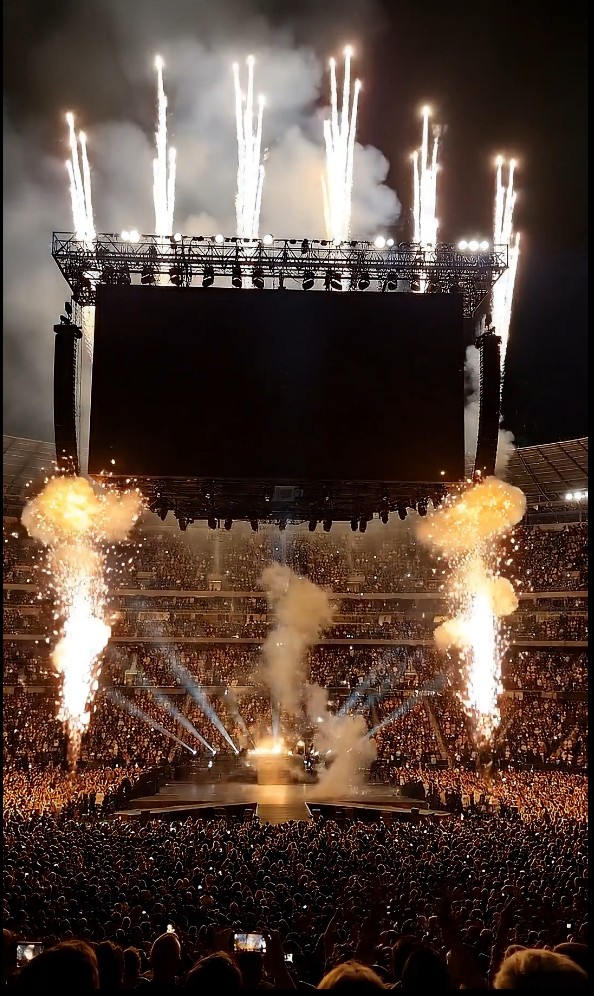
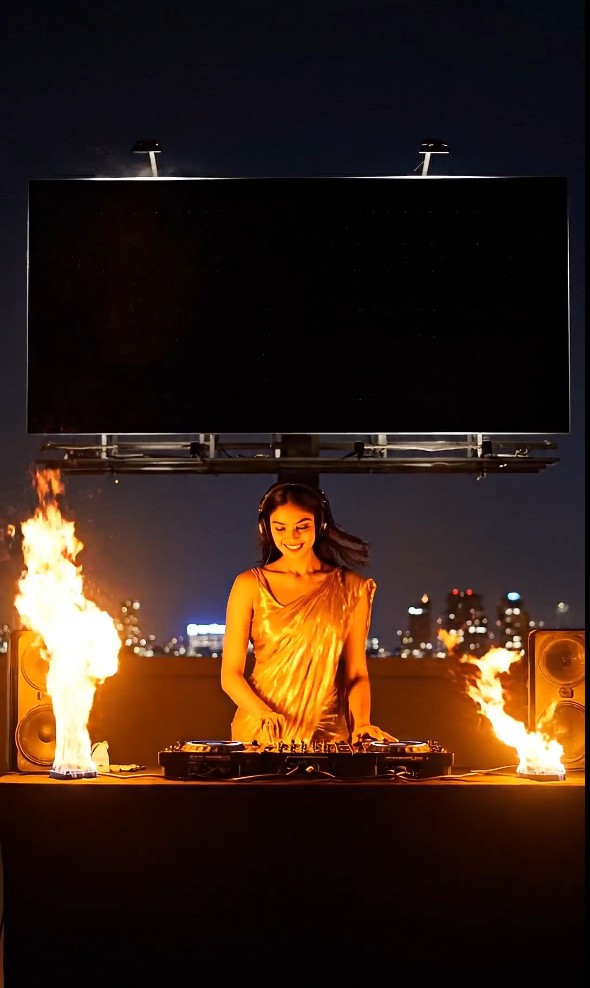
- First, choose a scene that fits your channel or occasion. [Midnight DJ](/templates/midnight_dj) and [Stadium Fireworks](/templates/stadium_fireworks) in [Cinematic Templates](/templates/cinematic-templates) work well for music, sports, and milestone Shorts, while [Midnight Guitar](/templates/midnight_guitar) and [Midnight Arrival](/templates/midnight_arrival) in [Entry Moments](/templates/entry-moments) suit dramatic channel reveals. Enter up to 10 characters, check the live preview, and download the finished MP4.
On the YouTube mobile app, tap the plus (+) icon at the bottom center, select Create a Short, tap the gallery thumbnail in the bottom-left corner, and choose your downloaded MakeMyMsg MP4. Verify the preview, add a clear, human title (under 60–70 characters works best on mobile screens), choose your visibility setting (Public, Unlisted for private birthday links, or Private), and tap Upload Short. On desktop YouTube Studio, click Create → Upload videos and select the same 1080x1920 MP4 file.
Writing 10-Character Text That Grabs Attention in the Shorts Feed
Viewers swipe quickly through Shorts, so cluttered text rarely gets read. MakeMyMsg's 10-character single-input limit forces helpful discipline: a short handle (`DJ Nova`), a milestone (`10K Subs!`), a rider crew (`Steel Crew`), or a first name (`Marcus`) lands immediately. Remember that YouTube places the channel name and title along the lower-left corner and action buttons on the right — MakeMyMsg's central safe-area layout keeps your lettering away from those overlays.
Honest Scope: Standalone Shoutouts vs. Channel Openers
- MakeMyMsg is not a full YouTube timeline editor or a faceless script-to-video generator. It produces one structured, pre-lit vertical scene customized with your 10-character text. For private birthday surprises, uploading the clip as an Unlisted Short gives you a clean shareable link that plays on any phone or smart TV. For creators, pairing a downloaded MakeMyMsg reveal with your own clips in YouTube's Shorts editor gives your channel a consistent visual opener in under a minute. Review the complete workflow on [How MakeMyMsg Works](/how-it-works) or explore [All Templates](/templates).
Choosing Visibility Settings: Public vs. Unlisted vs. Private Shorts
- Not every YouTube Short needs to be public. If you rendered a birthday clip for a friend or family member — for example, `Elena` in [Stadium Fireworks](/templates/stadium_fireworks) or `Best Dad` in [Gathered Moments](/templates/gathered_moments) — set Visibility to Unlisted before uploading. An Unlisted Short will not appear in public search results or subscriber feeds, yet anyone with the link can tap and watch it in full 1080x1920 vertical HD on their phone, tablet, or smart TV without creating an account.
- For creators publishing public Shorts — such as a DJ intro (`DJ Aria`), a gaming tag (`Nova YT`), or a motorcycle club callout (`R1 Crew`) from [Rider Videos](/templates/rider-videos) — choose Public, write a clear descriptive title without clickbait, and double-check that your title does not repeat the exact same phrase twice. Remember that YouTube displays the Shorts title near the bottom-left edge; MakeMyMsg's centered 10-character safe area keeps your on-screen name comfortably above the interface.
Quick Pre-Upload Checklist for YouTube Shorts
Before tapping Upload Short, verify four practical items: you are uploading the original 1080x1920 MP4 downloaded from MakeMyMsg (not a screen recording), your 10-character text is spelled accurately in the preview, your visibility setting matches whether the clip is a public channel opener or a private greeting, and your title adds helpful context that complements the short text on screen.
Combining a MakeMyMsg Reveal With Your Own Footage in YouTube Studio
Creators who want a slightly longer Short — such as a 20-second birthday recap, a ride highlight, or a channel milestone update — often place a MakeMyMsg vertical clip right at the start as a crisp visual title card. Because the MP4 is already 9:16 vertical 1080x1920 Full HD, you can import it directly into YouTube's mobile Shorts camera alongside your own phone clips without mismatching aspect ratios or adding black bars.
- Remember that MakeMyMsg keeps every scene focused on one 10-character custom text input rendered in roughly 60 seconds across 24 active templates and 8 collections. Keeping the intro text short and bold makes viewers stop scrolling while your follow-up clips or pinned comment tell the rest of the story.
Explore Personalized Video Templates
- Ready to turn this guide into a finished clip? Start with Cinematic Templates or Entry Moments or How MakeMyMsg Works to customize a scene with up to 10 characters in under 60 seconds.