
How to Post a Vertical Video on WhatsApp Status Without Losing Quality
Personalize this post vertical video on whatsapp status with any name (max 10 chars). Render Full HD 1080x1920 vertical video in 60 seconds for WhatsApp &
How to Post a Vertical Video on WhatsApp Status Without Losing Quality
- Personalize this post vertical video on whatsapp status with any name (max 10 chars). Render Full HD 1080x1920 vertical video in 60 seconds for WhatsApp & With MakeMyMsg, you select a scene template and enter a single recipient name or short phrase (up to 10 characters) to render a crisp 1080x1920 vertical MP4 video in roughly 60 seconds for WhatsApp, Instagram Reels, or TikTok.
How to Post a Vertical Video on WhatsApp Status Without Losing Quality
WhatsApp Status is one of the fastest ways to share a birthday shoutout, family milestone, or anniversary greeting with everyone who matters at once. Yet many people end up with cropped lettering, black borders, or muddy video compression because they upload a horizontal clip or a screen recording instead of a native vertical MP4. Getting a clean result is mostly about matching the format to how phones actually display Status updates.
Why 9:16 Vertical 1080x1920 Video Fits WhatsApp Status Naturally
When someone taps your WhatsApp Status, their phone holds the clip upright in full-screen portrait orientation. Landscape 16:9 videos shrink into a narrow strip across the middle of the screen, which makes names and small details hard to read. A native 9:16 vertical 1080x1920 Full HD MP4 fills the frame from edge to edge with no wasted space.
- Every one of the 24 active templates across MakeMyMsg's 8 collections exports directly as a 9:16 vertical 1080x1920 Full HD MP4 in about 60 seconds. Because the lettering sits inside a pre-tested safe area, your custom name stays clear of WhatsApp's top progress bar and bottom reply overlay.
Step-by-Step: Posting Your MakeMyMsg Video to WhatsApp Status
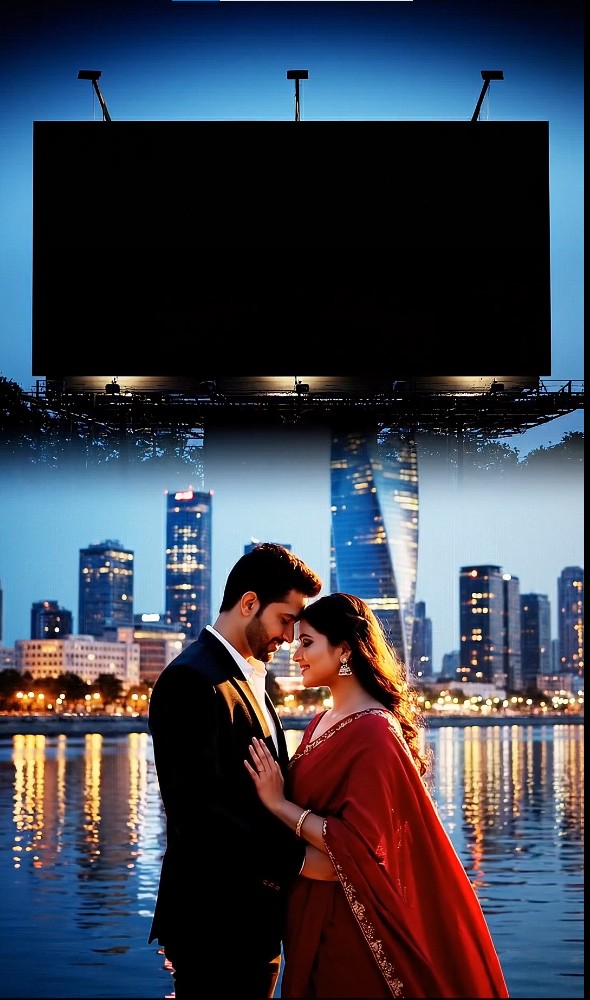
- First, create and download your video cleanly on MakeMyMsg. Pick a collection that matches the occasion — for example, [Special Day Videos](/templates/special-day-videos) for birthdays and graduations, [Emotional Stories](/templates/emotional-stories) for quiet thank-you notes, or [Together](/templates/together) for couples and close friends. Enter your single custom text input of up to 10 characters, check the live preview for spelling and spacing, and start the ~60-second render.
Once the MP4 finishes downloading to your device gallery or Downloads folder, open WhatsApp and switch to the Updates tab. Tap My Status (or the camera icon), select the downloaded MP4 directly from your phone gallery, and review the full-screen preview. You can add a short WhatsApp caption underneath — which is the best place to include a longer birthday message, party time, or personal note that goes beyond the 10-character on-screen display. Check your Status privacy settings (My Contacts, My Contacts Except, or Only Share With) and tap Send.
Keeping Short On-Screen Text Crisp Under Mobile Compression
- WhatsApp automatically compresses videos so they load quickly over mobile networks. Heavy compression tends to soften thin or crowded text first. That is one practical reason MakeMyMsg limits each template to a single text input of up to 10 characters: larger, bolder letters survive mobile compression cleanly.
Good Status-friendly inputs include a single first name (`Elena`, `Rohan`), a clear milestone (`Happy 30!`, `Grad 2026`), or a two-person pair (`Sam & Jo`). If you want to honor a parent or best friend, short titles like `Best Dad` or `For Mom` read instantly even when someone taps through Status updates quickly on a commute.
Common WhatsApp Status Mistakes and How to Avoid Them
The most common mistake is screen-recording a video preview instead of downloading the rendered MP4. Screen recordings capture browser bars, reduce frame rate, and drop sharpness before WhatsApp even begins compressing the clip. A second mistake is sending the video from a laptop to your phone through a compressed chat thread, then re-uploading that forwarded copy to Status. If you render on desktop, transfer the original MP4 via cloud drive, AirDrop, USB, or WhatsApp Document attachment so it stays at full 1080x1920 resolution.
- Also check who can view your Status before posting a surprise birthday clip. If you are planning a surprise party and do not want the guest of honor to see the clip early, adjust Status Privacy before uploading. Finally, keep realistic expectations about what MakeMyMsg edits: it is a structured template platform, not a multi-track timeline editor. You choose the scene and the 10-character text, and the lighting and motion stay locked for dependable quality.
Choosing the Right Scene for Your Next Status Update
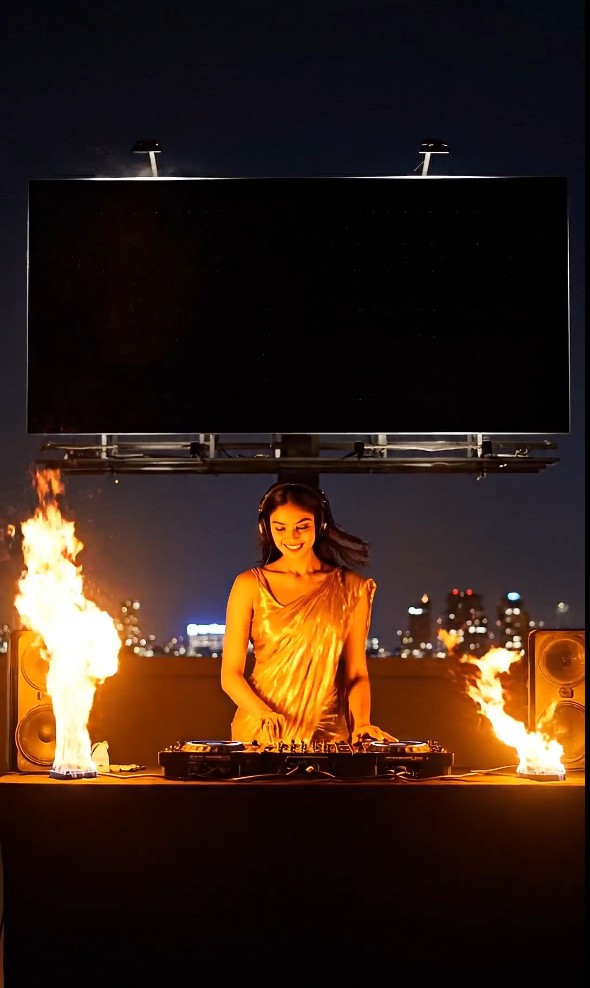
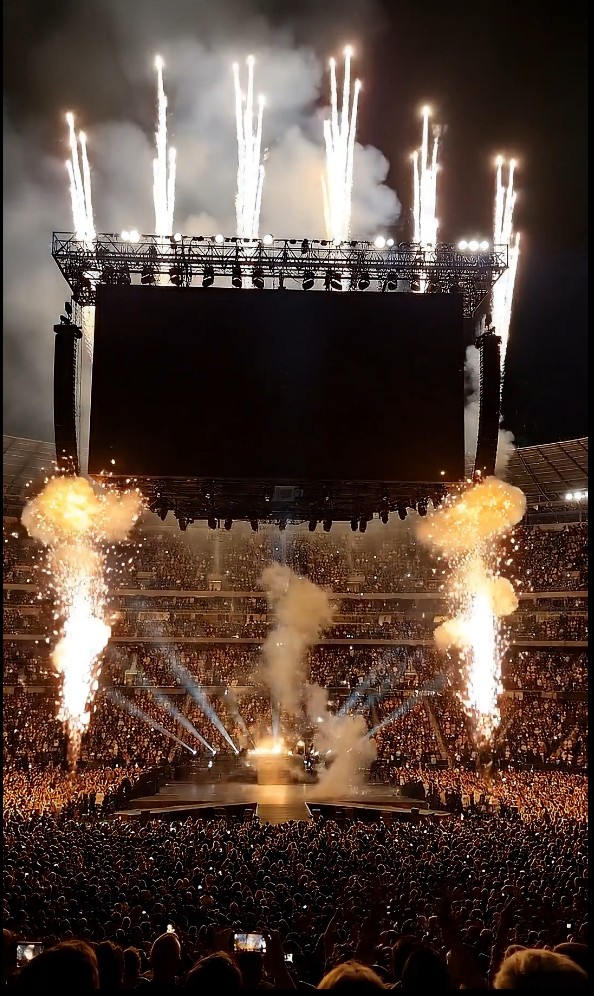
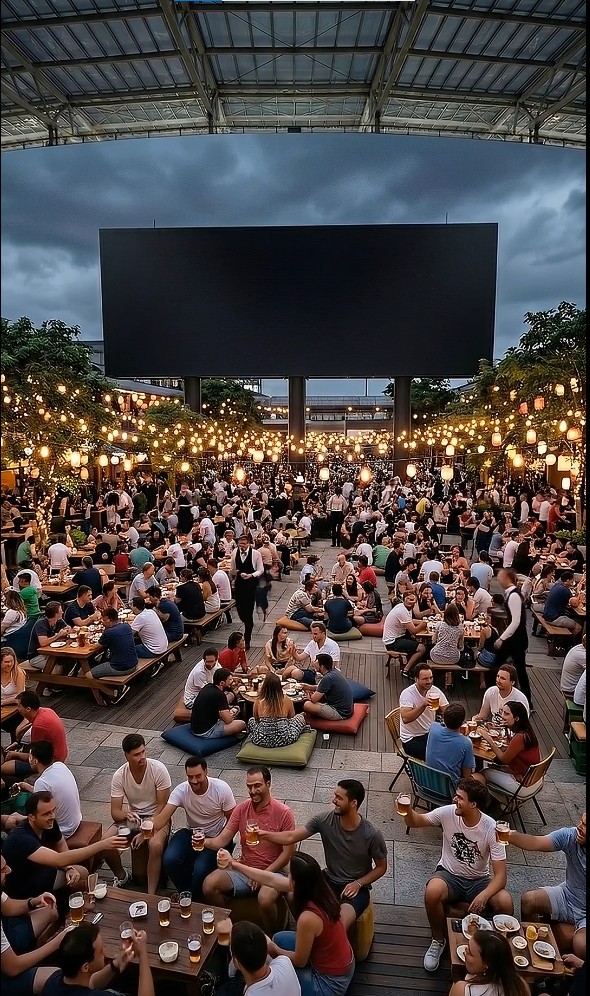
- For festive family celebrations, [Gathered Moments](/templates/gathered_moments) and [A Moment to Remember](/templates/a_moment_to_remember) keep the tone warm and welcoming. If you want a louder reaction from a friend group, [Stadium Big Screen](/templates/stadium_big_screen) or [The Unexpected Arrival](/templates/the_unexpected_arrival) stands out immediately in a Status feed. You can review the complete 4-step process on [How It Works](/how-it-works) or explore more ideas in our [Birthday Video Messages](/use-cases/birthday-video-messages) guide.
Desktop-to-Phone Transfer Tips That Preserve Full HD
Many people create their MakeMyMsg video on a laptop browser because typing and previewing on a larger monitor feels comfortable, then move the MP4 to their phone to post on WhatsApp Status. Avoid emailing the file through services that auto-shrink attachments or sending it as a standard compressed WhatsApp video to yourself. Instead, drop the original 1080x1920 MP4 into Google Drive, iCloud Drive, or AirDrop, save it directly to your phone's Photos or Gallery app, and select it from the WhatsApp Status picker. That single habit preserves the crisp lighting, dark-sky contrast, and sharp 10-character lettering that MakeMyMsg rendered for you in 60 seconds.
Explore Personalized Video Templates
- Ready to turn this guide into a finished clip? Start with Special Day Videos or How It Works or Birthday Video Messages to customize a scene with up to 10 characters in under 60 seconds.