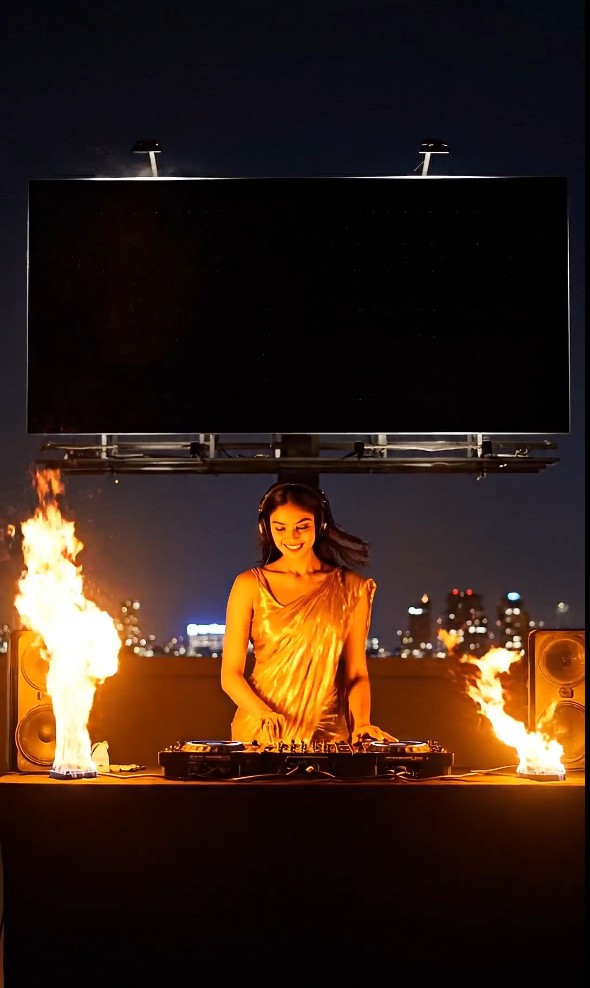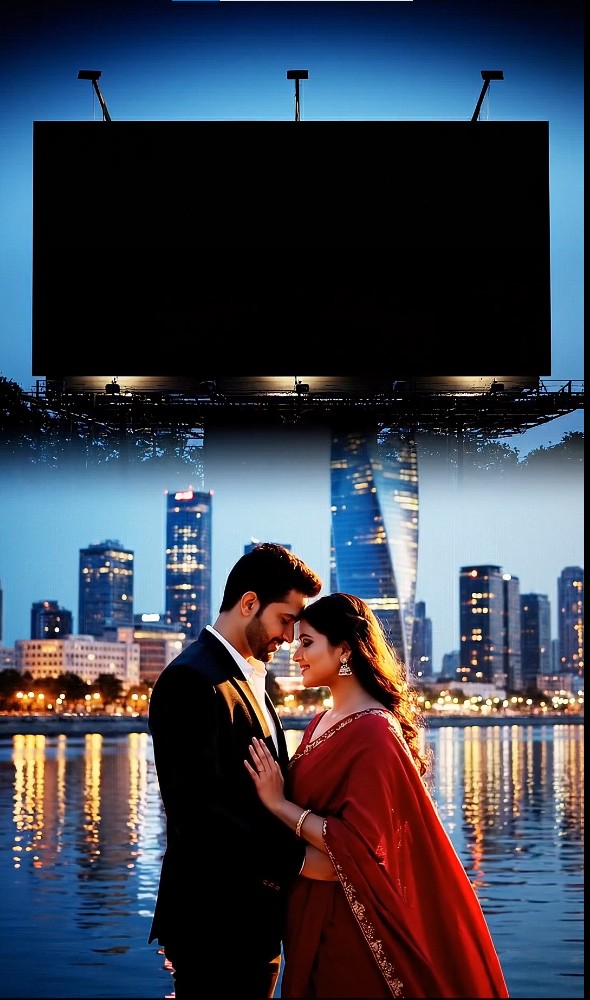

Stadium Big Screen Birthday Message: Step-by-Step Guide
Discover how to use stadium big screen birthday message effectively. Step-by-step walkthrough, creative examples, and how to create instant cinematic videos...
Stadium Big Screen Birthday Message: Step-by-Step Guide
- Discover how to use stadium big screen birthday message effectively. Step-by-step walkthrough, creative examples, and how to create instant cinematic videos... With MakeMyMsg, you select a scene template and enter a single recipient name or short phrase (up to 10 characters) to render a crisp 1080x1920 vertical MP4 video in roughly 60 seconds for WhatsApp, Instagram Reels, or TikTok.
1. Why Personalized Video Drives 3x More Engagement
Key takeaways for 1. why personalized video drives 3x more engagement: Psychology of seeing one's name in cinematic visuals; Comparison with generic greeting cards and WhatsApp forward text. Keep recipient personalization concise (maximum 10 characters) so 3D typography stays sharp across mobile vertical displays.
2. The 10-Character Rule: Maximum Impact with Minimal Text
Key takeaways for 2. the 10-character rule: maximum impact with minimal text: Typographic legibility on mobile screens; Why first names and monikers outperform long paragraphs. Keep recipient personalization concise (maximum 10 characters) so 3D typography stays sharp across mobile vertical displays.
3. How to Generate Your Video in 60 Seconds
- Key takeaways for 3. how to generate your video in 60 seconds: Select template; Enter recipient name (max 10 chars); Instant Full HD 1080x1920 download. Keep recipient personalization concise (maximum 10 characters) so 3D typography stays sharp across mobile vertical displays.
Cinematic Visual Atmosphere & Volumetric Lighting
When working with stadium big screen birthday message, focusing on cinematic visual atmosphere & volumetric lighting ensures your personalized message stands out without manual editing software. Enter a name or moniker within the 10-character limit, generate your preview in about 60 seconds, and download your Full HD vertical MP4 ready to share anywhere.
Strict 10-Character Personalization for Crisp 3D Proportions
When working with stadium big screen birthday message, focusing on strict 10-character personalization for crisp 3d proportions ensures your personalized message stands out without manual editing software. Enter a name or moniker within the 10-character limit, generate your preview in about 60 seconds, and download your Full HD vertical MP4 ready to share anywhere.
Fast 60-Second Cloud Rendering for Instant Social Sharing
When working with stadium big screen birthday message, focusing on fast 60-second cloud rendering for instant social sharing ensures your personalized message stands out without manual editing software. Enter a name or moniker within the 10-character limit, generate your preview in about 60 seconds, and download your Full HD vertical MP4 ready to share anywhere.
Explore Personalized Video Templates
- Ready to turn this guide into a finished clip? Start with Explore All Video Categories or Learn About 60s Video Rendering to customize a scene with up to 10 characters in under 60 seconds.
What Actually Looks Sharp on a Stadium Jumbotron Screen
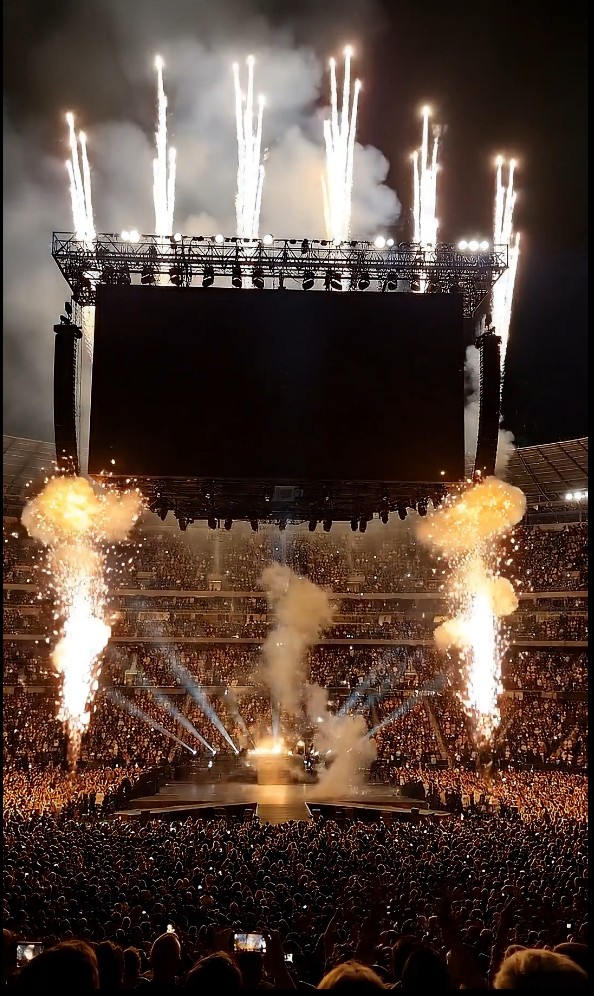
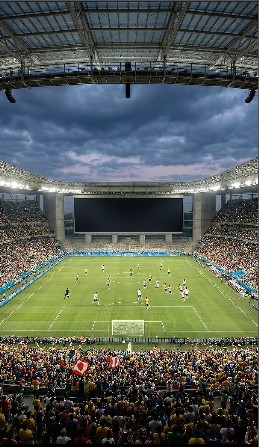
- A jumbotron reveal works because the viewer recognizes the name within a split second. In [Stadium Big Screen](/templates/stadium_big_screen), MakeMyMsg gives you a single custom text input capped at 10 characters so the typography stays large and legible inside the illuminated arena frame. Clean entries like `Sofia`, `Happy 30!`, `Best Dad`, or `Coach Mo` look like real stadium signage, whereas lowercase strings packed with emojis or extra symbols can feel cluttered.
Check capitalization and spelling in the live preview before starting your render. Because the cloud renderer completes your 9:16 vertical 1080x1920 Full HD MP4 in about 60 seconds, a quick five-second check saves you from re-rendering over a missing letter or awkward space.
When to Pair Stadium Big Screen With Other Celebration Collections
- Stadium Big Screen sits inside the [Premium](/templates/premium) collection for high-contrast staging, while [Stadium Celebration](/templates/stadium_celebration) and [Stadium Fireworks](/templates/stadium_fireworks) in [Cinematic Templates](/templates/cinematic-templates) add fireworks and championship-night atmosphere. For warmer family milestones like graduations or retirements, [Special Day Videos](/templates/special-day-videos) provides softer festive framing.
Keep realistic expectations about customization: MakeMyMsg is built for fast, structured 10-character vertical video greetings rather than multi-clip timeline editing or talking-head voiceovers. Pair the downloaded MP4 with a personal birthday message in your group chat, or browse more ideas on our [Birthday Video Messages](/use-cases/birthday-video-messages) hub.
Timing Your Stadium Reveal for Maximum Group-Chat Impact
A practical detail people overlook is timing. Sending the MP4 right at midnight or early in the recipient's local morning ensures it plays before dozens of generic text wishes bury the thread. Because rendering takes about 60 seconds, you can generate the 1080x1920 clip on your phone, check the live preview for spelling, and upload the original MP4 straight from your gallery so WhatsApp or Instagram keeps the arena lights sharp.